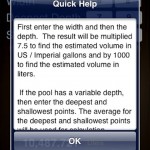
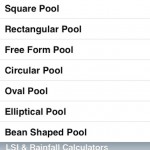
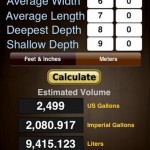
Current App Store listing: Pool Calculator & Care Log
App Store checked October 22, 2026. The current description and screenshots are shown in this section. The original article and images following this section are preserved as historical material.
About this app
You take pool care seriously. Thank you for using Pool Calcs. Keep measurements, water tests and service history together, whether you maintain your backyard pool or look after customers.
POOL VOLUME AND USEFUL CALCULATORS
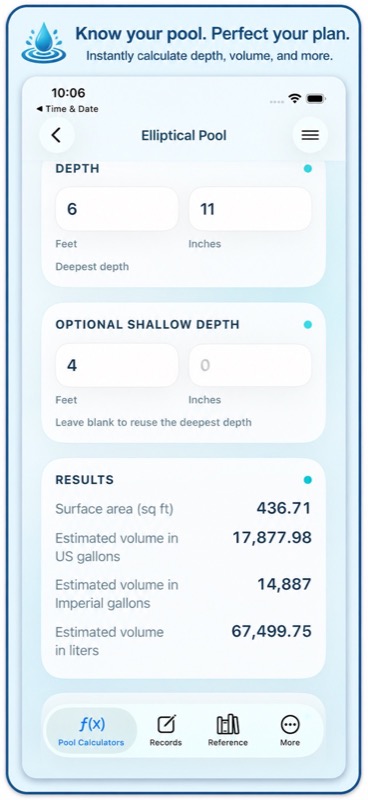
Get a volume estimate before planning water care or equipment work.
– Calculate circular, rectangular and square pool volumes.
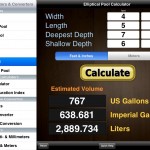
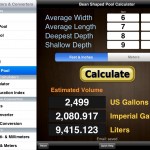
– Work with elliptical, oval, free form and bean shaped pools.
– Use American or Metric measurements.
– Convert area, distance, volume, flow rate and pressure.
– Convert temperatures and estimate rainwater collection.
– Check a Langelier Saturation Index estimate for water balance.
WATER TESTS AND CHEMICAL RECORDS
Build a pool care log you can refer to on the next visit.
– Record chlorine, pH, alkalinity, calcium hardness and cyanuric acid.
– Track salt, water temperature, test dates and notes.
– See previous readings beside separate current entry fields.
– Estimate supported dry pool-salt additions using your chosen target.
– Keep the proposed amount separate from what you actually apply.
– Retain product strength and the details behind a saved salt calculation.
PRODUCTS YOU USE OFTEN
Keep familiar chemicals and purchase details ready for your next visit.
– Save ingredients, concentration, package sizes, units and prices.
– Keep favorite products close at hand.
– Copy product details into treatment records.
– Keep past product details when catalog prices change.
– Use other products for manual logging when a calculation is unsupported.
SERVICE VISITS AND DAILY ROUTES
Keep the job’s notes together from the first reading to the report.
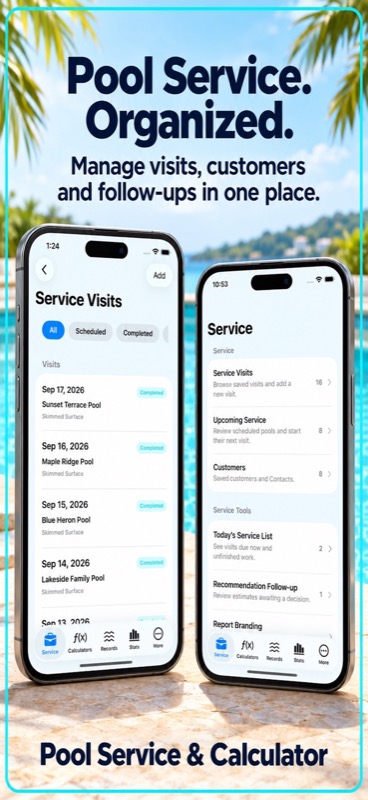
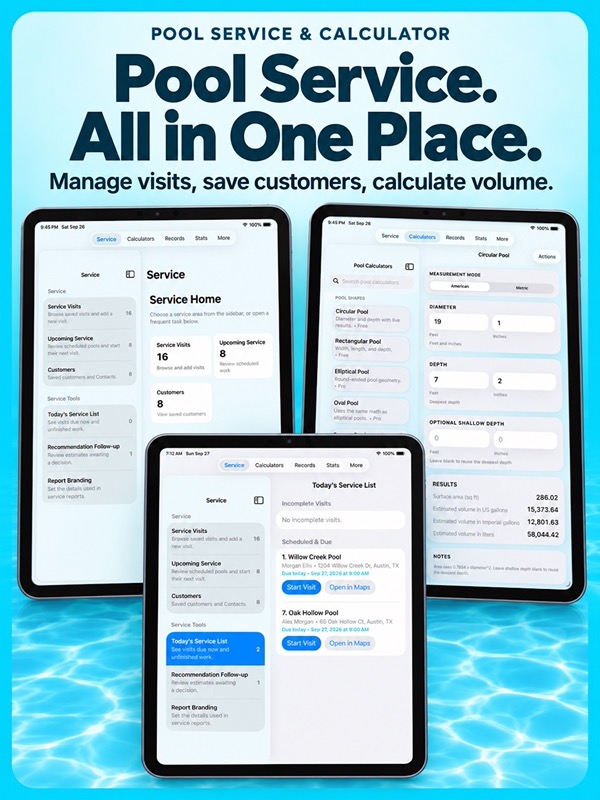
– Add readings, treatments, tasks, photos and notes to one visit.
– Recover unfinished working text with automatic draft saving.
– Preview a report before completing the visit.
– Share service reports with your business and contact details.
– Arrange a day’s stops without changing the standing order.
– Open directions to each pool’s own service address.
– Resume unfinished visits or skip and reschedule work with a reason.
– Schedule recurring service and equipment tasks with optional local reminders.
HISTORY THAT HELPS YOU PLAN
Use your pool maintenance records to review what happened and when.
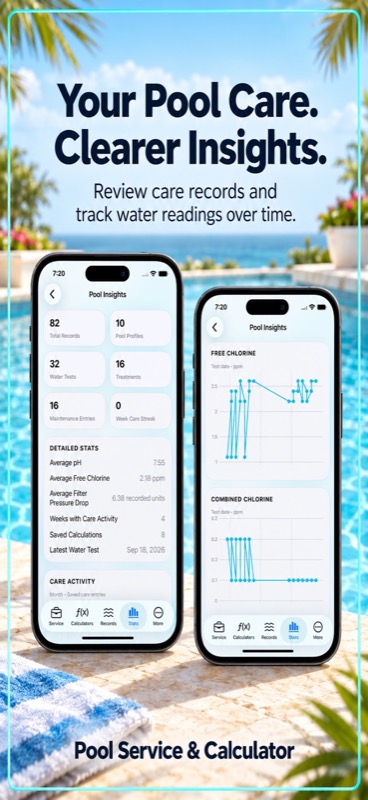
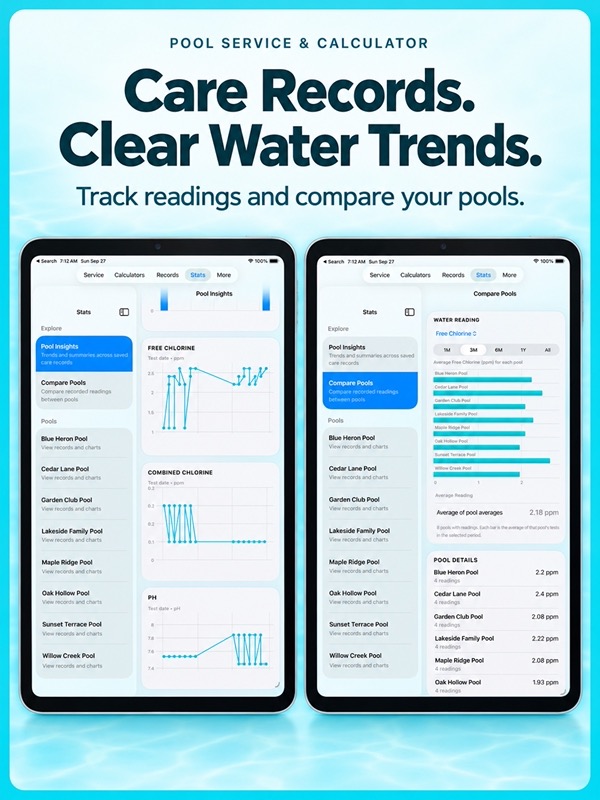
– Follow water chemistry trends and compare pools.
– See treatment and maintenance dates beside readings.
– Record clean-filter pressure baselines in psi, kPa or bar.
– Compare pressure readings for the same equipment and operating context.
– Review actual chemical consumption by pool and period.
– See recorded chemical costs grouped by currency.
– Review visit revenue and direct labor with clear currency coverage.
Unknown units, missing costs and unrecorded currencies stay visible alongside the totals. Trend markers show when work happened, without claiming it caused a reading to change.
YOUR POOLS, CUSTOMERS AND FILES
– Share a customer record across several pools.
– Keep a separate service address and history for each pool.
– Store equipment details, photos and repair estimates.
– Import CSV histories after reviewing pool matches, units and duplicates.
– Keep original CSV source copies and export them separately.
– Save a full backup or export records for a spreadsheet.
– Keep core calculators, records and reference content available offline.
Follow product labels and equipment guidance when choosing treatments. Pool Calcs keeps the measurements and history nearby while you make the decisions.
For monthly subscriptions:
Monthly Pro is a 1-month auto-renewable subscription.
Terms of Use (EULA): https://www.apple.com/legal/internet-services/itunes/dev/stdeula/
PoolCalcs does not replace professional testing, product directions, local codes, or qualified service. It gives careful pool owners and professionals a clear workspace for calculations and records, helping good decisions start with better information.
App Store Screenshots
Latest App Store Release Notes
Thank you for using Pool Calcs and for the care you put into every pool. Your careful readings and service notes make each pool’s history more useful. This update connects your water tests, visit notes and plans for the next job.
CONNECT TESTING AND ACTUAL TREATMENTS
– Plan supported salt adjustments from a saved test and confirmed pool volume.
– Choose your target and a supported dry pool-salt strength.
– Keep the calculation details with the saved proposal.
– Record the amount you actually applied as a separate treatment.
– Keep manual treatment entry available for other pool chemicals.
– Keep proposed quantities out of actual chemical consumption and costs.
FINISH A VISIT WITH LESS REPEATED ENTRY
– See previous readings beside separate current-value fields.
– Keep treatments, tasks, photos and notes with the same visit.
– Save unfinished working text automatically while you work.
– Resume an existing visit without starting its records again.
– Preview a draft report before completion.
– Review and share your saved report.
– Keep unfinished treatment rows for later review rather than recording them as applied.
SAVE FAMILIAR PRODUCTS
– Keep ingredients, concentration, package size, units and cost in a product library.
– Choose favorite products when adding a treatment.
– Retain the original product details in your treatment history.
– Record purchase details that differ from the catalog price.
– See when a price, unit or currency is missing.
PLAN RECURRING WORK AND DAILY STOPS
– Set recurring service visits and equipment tasks.
– Choose whether supported schedules follow the planned date or completion.
– Use optional local reminders, snooze and overdue status.
– Reorder a day’s stops with drag or move controls.
– Keep the standing order for other days.
– Open directions to the individual pool’s service address.
– Add a missing address without blocking the visit.
– Skip or reschedule work with a reason while retaining its history.
– Edit a reopened visit’s history without completing it again.
BRING YOUR EXISTING HISTORY
– Import water tests, treatments, maintenance and visits, including notes, from supported CSV layouts.
– Map columns and review dates, units and pool matches before saving.
– Review duplicate candidates and choose what to skip or keep separately.
– Reuse saved mapping choices for a familiar spreadsheet.
– Keep the original source file for reference.
– Export source copies separately from your full record backup.
– See the original import summary when retrying the same file and choices.
SEE MORE IN YOUR RECORDS
– Show saved treatment and maintenance dates on chemistry trends.
– Open an event to review the original record.
– Keep readings with different or unknown units in separate groups.
– Record clean-filter baselines and pressure observations in psi, kPa or bar.
– Compare the same equipment and operating conditions.
– Review actual chemical use and direct costs by pool and period.
– Separate known currencies and show gaps in cost coverage.
– See when missing currency details prevent a comparable contribution total.
EVERYDAY FIXES
– Keep recorded chemical amounts visible when a unit conversion is out of range.
– Keep trends and cost totals consistent while you review longer histories.
– Give clearer feedback when Maps cannot open.
– Keep skipped, closed and reopened work easier to distinguish.
– Get clearer warnings when imported records conflict with saved history.
– Keep recurring-work history available when a visit needs review.
Your pool volume calculators, converters, water balance tools, customer records, equipment details and sharing options remain available. Thank you for keeping your records with Pool Calcs.
App Store Information
- App Store category: Utilities
- Genres: Utilities, Productivity
- Availability: Free
- Current version: 7.8
- Requires: iOS 17.6 or later
- Content rating: 4+
- Last updated: 2026-10-22
Developed by Verosocial. App details can change; verify the current App Store listing before publication.
Historical description


* Featured by Apple under ‘New and Noteworthy’ in iPad > Productivity
The Pool Volume and Size app is a straightforward, no-nonsense calculator to estimate the volume of water in any pool of a certain shape in US Gallons, Imperial Gallons and Liters. Also, included are helpful converters from feet to meters, temperature conversions, pressure units, flow rate, gallons to liters, a volume calculator for rainfall, and a Langelier Saturation Index calculator.
Pool Calculators
* Square Pool
* Rectangular Pool
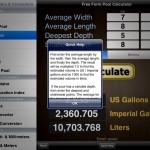
* Free Form Pool
* Circular Pool
* Oval Pool
* Elliptical Pool
* Bean Shaped Pool
Miscellaneous Calculators
* Rainfall Calculator
* LSI Calculator (Langelier Saturation Index)
* Pressure Units
* Flow Rate Converter
* Temperature Conversion
Area Converters
• Square Inches and Shorter Conversion
• Square Feet & Yards & Meters Conversion
Distance Converters
• Inches & Centimeters & Millimeters Conversion
• Feet & Yards & Meters Conversion
• Nautical Miles, Statue Miles and Kilometers Conversion
Volume Converters
• US/Imperial to Metric Units Conversion
• Metric to US/Imperial Units Conversion
• Inches & Centimeters Volume Conversion
• Feet, Yards, & Meters Volume Conversion
This app features:
• Send your calculations or conversion by email
• Universal App (iPhone, iPod Touch, and iPad)
• Retina Display graphics
• Fast app switching
• Automatically Saves Your Inputs
No network connectivity required.
The application is a universal app compatible with the iPhone, iPod Touch, and the iPad.
Note: All information in this app is for informational purposes only.