
About this app
You’re making a smart choice by taking time to understand your money. Thank you for using TVM to compare options and plan your next step.
TVM puts a financial calculator, savings planner and everyday budgeting tools in one app for iPhone, iPad and Apple Watch. Estimate a loan payment, explore compound interest or see what remains after monthly bills.
Loan payments and time value of money
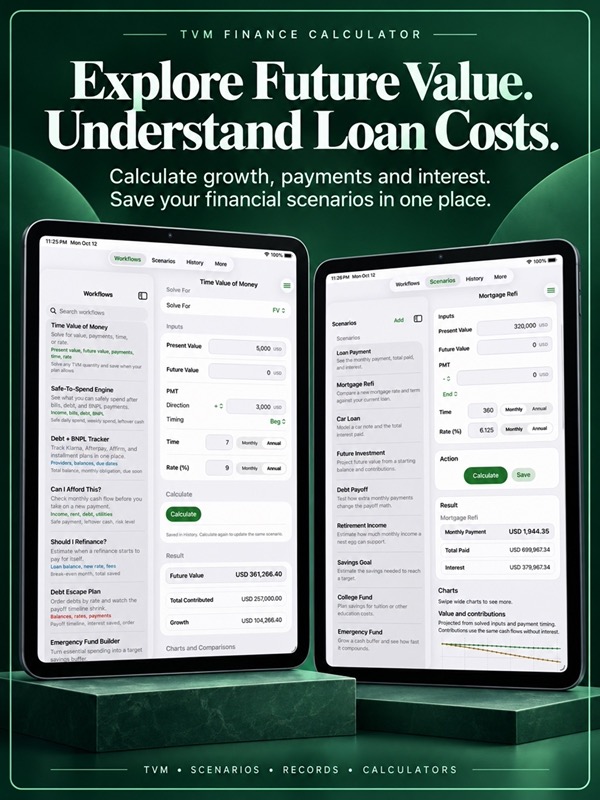
– Solve for present value, future value, payment, time or interest rate.
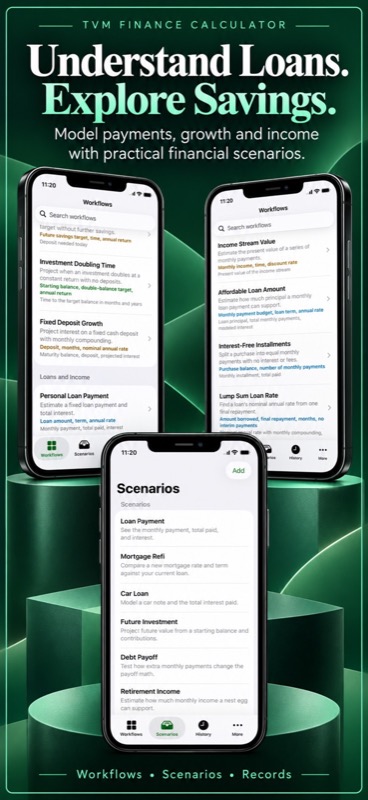
– Compare mortgage, car, personal and education loan scenarios.
– Choose monthly or annual rates and terms.
– Account for payments at the beginning or end of the month.
– Explore an annuity, retirement income or a final balloon payment.
– Calculate without creating a saved record first.
Savings and longer-term goals
– Model investment growth from a starting balance and regular contributions.
– Plan for a down payment, college fund, vacation or renovation.
– Estimate the deposit or monthly savings needed to reach a target.
– Explore retirement savings, fixed deposits and doubling time.
– Set an emergency fund goal from essential expenses and months of cover.
– Start with a scenario template or create your own plan.
Everyday spending and debt
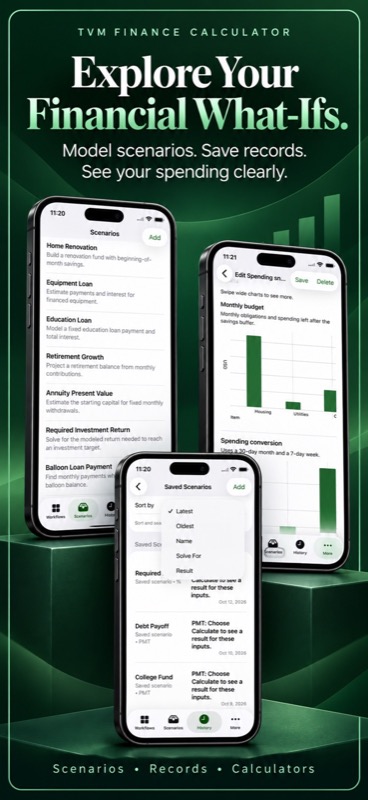
– Estimate daily, weekly and monthly spending after bills and savings.
– Include housing, groceries, transport, utilities and debt minimums.
– Track installment and buy now, pay later balances, providers and due dates.
– Include tracked payment minimums in your spending snapshot.
– Check how much room your budget leaves for a new payment.
– Compare refinancing payments, upfront fees and break-even time.
– Explore debt payoff order and the interest cost of repayment.
Charts that help explain the numbers
– Follow projected balances, contributions, interest and payment timelines.
– See how changing a rate or contribution affects a result.
– Compare monthly and annual rates, durations and spending amounts.
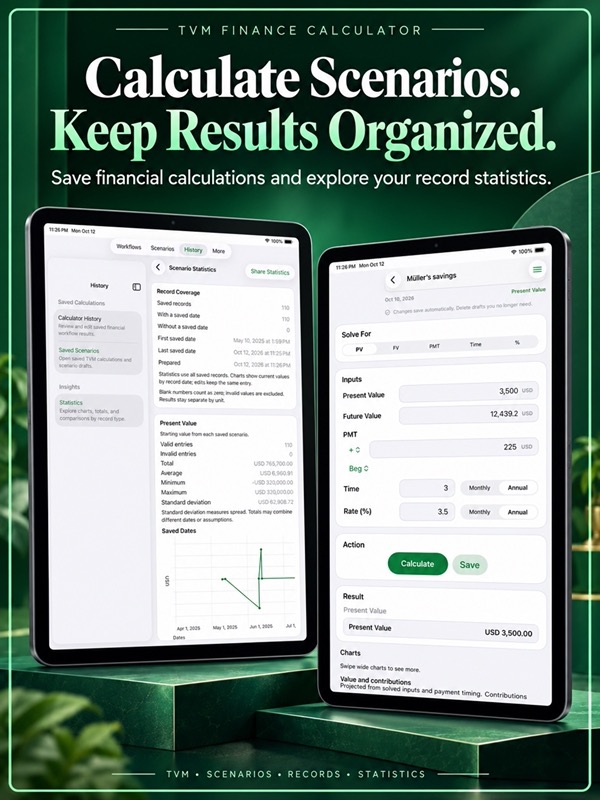
– See statistics for scenarios, payment plans and spending snapshots.
– Browse totals, averages, ranges and relationships between your figures.
– See gains and losses in balances and interest amounts.
Your plans, ready to revisit
– Find tools in Workflows, create plans in Scenarios and reopen History.
– Save a result, then edit and recalculate the same record as plans change.
– New scenario drafts save immediately and open ready for editing.
– Search saved records or sort scenario columns in Spreadsheet.
– Browse records as you scroll.
– Keep your record list beside the detail view on iPad.
– Open Help, Share, Reset and Randomize from the calculator menu.
– Choose System, Light or Dark appearance and close the keyboard with Done.
Backups and personal progress
– Import and export scenarios, payment plans and spending snapshots as CSV or JSON.
– Skip matching records and repeated entries when importing.
– Transfer up to 10,000 records per category; JSON imports allow up to 100 MB.
– Preview up to 250 lines, then save or share the complete included export.
– Choose ten optional financial reviews and follow your weekly progress.
– Earn review points and badges, without outside habit reminders.
Apple Watch includes seven independent calculators with unlimited calculations and saves. Share results and edit saved calculations, regardless of your iPhone plan.
Your saved records stay on your device. No app account is needed. Projections are estimates based on the figures and assumptions you enter.
For monthly subscriptions:
Monthly Pro is a 1-month auto-renewable subscription.
Terms of Use (EULA): https://www.apple.com/legal/internet-services/itunes/dev/stdeula/
App Store Screenshots

Latest App Store Release Notes
You’re making a smart choice by taking time to understand your money. Thank you for using TVM to plan ahead. This update brings clearer results and easier ways to review your plans.
Clearer loan and savings results
– Payments follow your chosen direction, adding deposits and subtracting withdrawals.
– Debt payoff and savings timelines reflect the cash flows you enter.
– Negative present values and future balances keep their signs in the results.
– Investment losses appear as negative growth or interest, rather than looking like zero growth.
– Withdrawal scenarios show balances without misleading contribution totals.
– Savings goals that require a withdrawal show that payment direction clearly.
– Invalid numbers and impossible timelines give you a clear prompt to check your inputs.
– Use currency amounts, percentages or scientific notation in your inputs.
More useful financial charts
– Follow projected balances, contributions, interest effects and repayment timelines.
– Compare the effect of changing a rate, contribution or savings buffer.
– Compare rates, durations and spending amounts in different units.
– Loan projections use the calculated payment direction to follow the planned repayment.
– Explore negative rates alongside your current rate in comparisons.
– Review detailed statistics for scenarios, tracked plans and spending snapshots.
– Scroll through longer charts with readable dates, axis labels and titles.
– Charts stay available on Free. Projections use your assumptions; saved comparisons show observed patterns.
An easier path through your records
– Find calculators in Workflows, plans in Scenarios, saved results in History and extra tools in More.
– Recalculate a saved item without creating another copy or changing its original saved date.
– Find Spreadsheet, Import and Export, habits and settings in More.
– On iPad, switching More destinations clears the previous detail screen.
– Deleting one record keeps a different record you have selected open.
– Leave a new record without being sent back to its editor when saving finishes.
– A new draft stays saved even if you choose to finish editing later.
– Search and keep scrolling to browse more records automatically.
– Use clearer field labels and Done to finish entering your figures.
– Enter negative values where a calculation calls for them.
– Edit debt figures with fewer interruptions while you type.
More dependable backups and transfers
– Import or export a selected record category in CSV or JSON.
– Matching records and repeated entries are skipped during import.
– Your selected import category stays with the file you chose.
– Saved records and exported files show consistent amounts.
– Move up to 10,000 records per category and import JSON files up to 100 MB.
– Preview up to 250 lines for comfortable browsing. Save to File or sharing keeps the complete included export.
Review habits and Apple Watch
– Choose from ten optional reviews covering spending, payments, goals, retirement, assumptions and calculator learning.
– Follow weekly progress, review points, five levels and ten badges.
– Keep habit rewards inside the app, without outside reminders.
– Use seven Apple Watch calculators independently of your iPhone plan.
– Results come into view after Calculate, and calculation or save errors are easier to find.
– Edit, save and share calculations from watch history.
App Store Information
- App Store category: Finance
- Genres: Finance, Business
- Availability: Free
- Current version: 9.4
- Requires: iOS 16.6 or later
- Content rating: 4+
- Last updated: 2026-10-15
Developed by Verosocial. App details can change; verify the current App Store listing before publication.