
Calculate work hours, shifts, overtime, date differences, business days, countdowns, and time-unit conversions.
Product Description
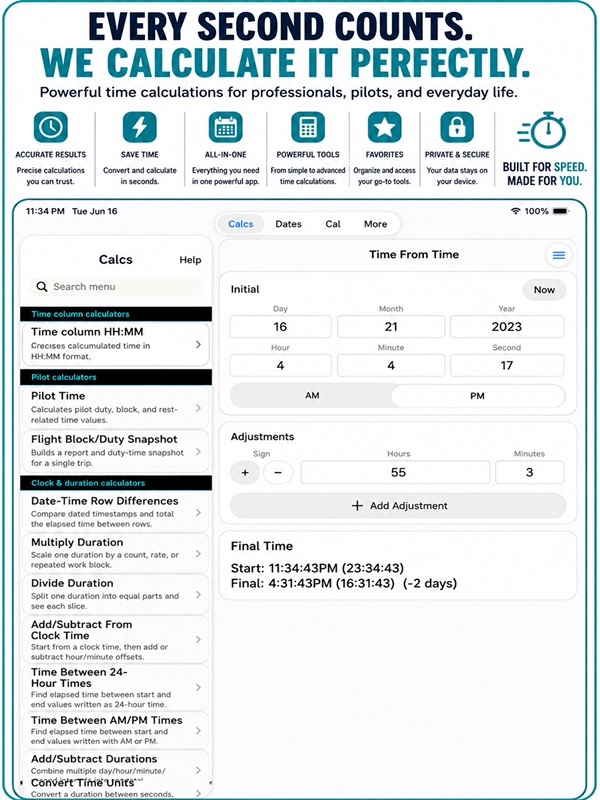
Time & Date Calculator ++
Calculate work hours, shifts, overtime, date differences, business days, countdowns, and time-unit conversions.
About this app
Thank you for choosing Time & Date. Your attention to hours, dates, and schedules deserves a careful tool, and we appreciate you putting this app to work. Focused calculators help you check shifts, plan deadlines, compare dates, review flight timing, and handle everyday time math without a spreadsheet or crowded general calculator.
TIME AND DURATION TOOLS
– Add and subtract hours, minutes, seconds, and mixed durations.
– Compare times in 12-hour AM/PM or 24-hour format.
– Calculate elapsed time across midnight.
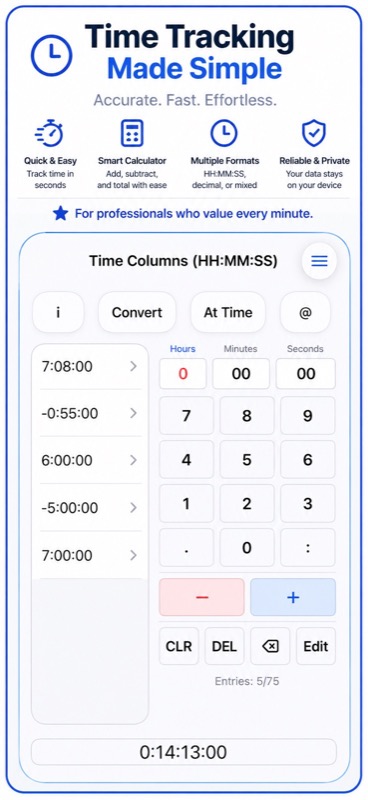
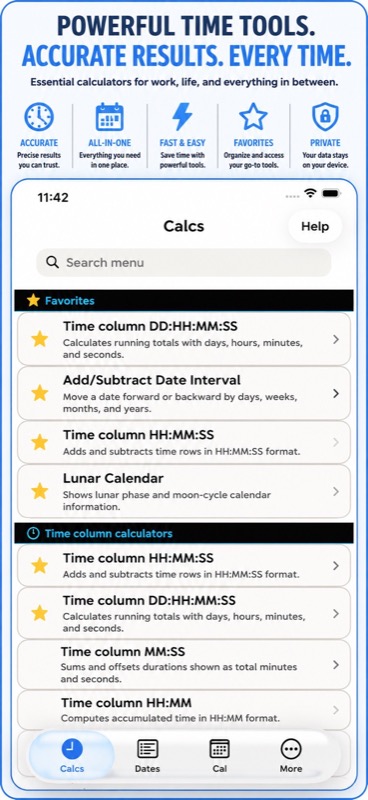
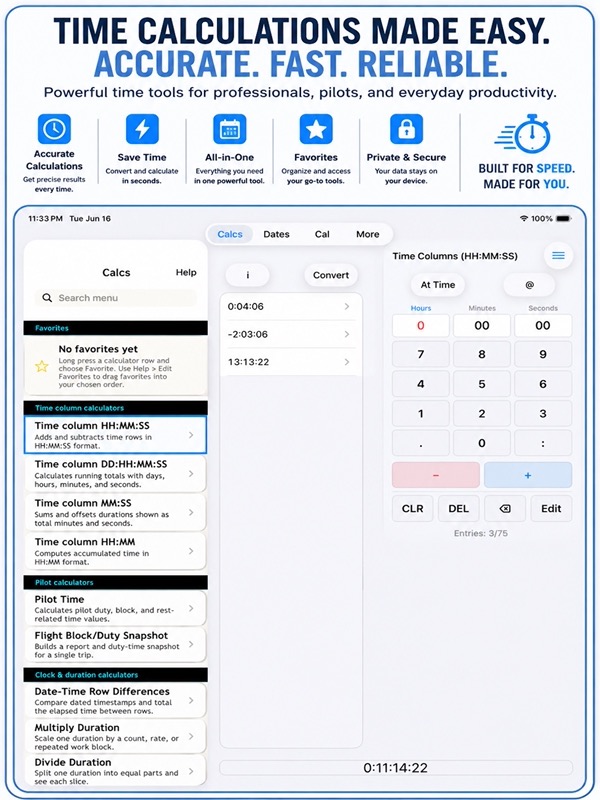
– Total entries in HH:MM, HH:MM:SS, MM:SS, and DD:HH:MM:SS columns.
– Multiply or divide durations for rates, batches, lessons, routes, workouts, and estimates.
– Convert between hours, minutes, seconds, decimal hours, and clock formats.
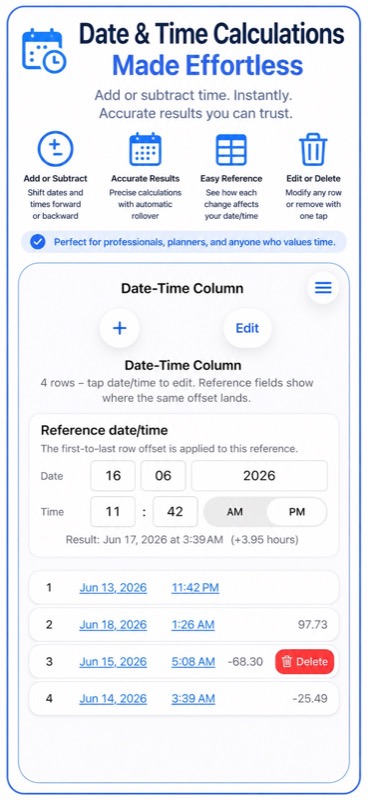
– Compare date-and-time rows and check local or UTC results.
TIME COLUMN CHARTS
– Turn entries from the four Time Column calculators into line, bar, or scatter charts.
– Follow consistent Entry 1, Entry 2, and later labels in calculator order.
– Read duration values in familiar time units.
– Scroll horizontally through longer entry lists without crowding the labels.
– Share chart data and its ordered entries as a PDF.
DATES, DEADLINES, AND SCHEDULES
– Find the difference between two dates in years, months, weeks, weekdays, or days.
– Add or subtract an interval to see where a deadline or appointment lands.
– Count business days and working hours using the workdays and work windows you choose.
– Build countdown plans with steps, buffers, and optional workday limits.
– Save important dates with titles and tags, with valid edits saved as you work.
– Search, sort, edit, share, and delete tracked dates.
– View saved dates in a year calendar.
WORK, PAYROLL, AND FLIGHT CHECKS
– Calculate shift length from clock-in and clock-out times.
– Account for unpaid breaks and common shift-rounding choices.
– Review raw time, paid time, overtime, and rounding differences.
– Keep weekly shift rows together and export a CSV summary.
– Check pilot time, ETE, ETA, fuel, endurance, holding time, duty, and rest information.
HISTORY THAT STAYS USEFUL
– Save named calculator records with text details and creation times.
– Search by saved name or calculator, then delete individual records when they are no longer needed.
– Scroll smoothly through larger histories as more records load automatically.
– Keep History text focused without storing or displaying calculator images.
– Work on iPad with master and detail navigation kept visible.
SHARE, BACKUP, AND DATA CONTROL
– Export calculator snapshots and tracked dates in Project JSON.
– Export History as JSON, CSV, or PDF.
– Import History JSON while skipping records with the same saved data.
– Export and import tracked dates in their own JSON format.
– Share supported calculator results, tracked dates, and charts as PDF.
– Transfer up to 10,000 History records at a time.
– Keep JSON imports within an explicit 100 MB safety limit.
– Let larger transfers work without blocking normal interaction, then receive a completion message.
– Reset all saved app data from Settings after reviewing an unrecoverable-action warning.
– Access advanced calculators, Favorites, and data transfer with Pro; free use has daily calculation limits.
Time & Date is useful for employees checking timesheets, managers reviewing schedules, freelancers billing by time, students planning study blocks, technicians totaling service time, pilots reviewing duty windows, and anyone who wants dependable date and duration answers without building a complex formula.
For monthly subscriptions:
Monthly Pro is a 1-month auto-renewable subscription.
Terms of Use (EULA): https://www.apple.com/legal/internet-services/itunes/dev/stdeula/
Thank you again for using the app thoughtfully. Your attention to the small details is what makes a dependable record worth keeping, and this release gives those saved calculations a cleaner place to live, move, and manage.
App Store Screenshots
App Store Information
- App Store category: Utilities
- Genres: Utilities, Productivity
- App Store price (US): Free (USD)
- Current version: 46
- Requires: iOS 17.6 or later
- Content rating: 4+
- Last updated: 2026-10-27
Developed by Verosocial. App details can change; verify the current App Store listing before publication.