Calculate reflector, driven-element, director, spacing, Maidenhead locator, EIRP, and unit conversions.
Product Description
HF Beam Calc for Ham Radio
About this app
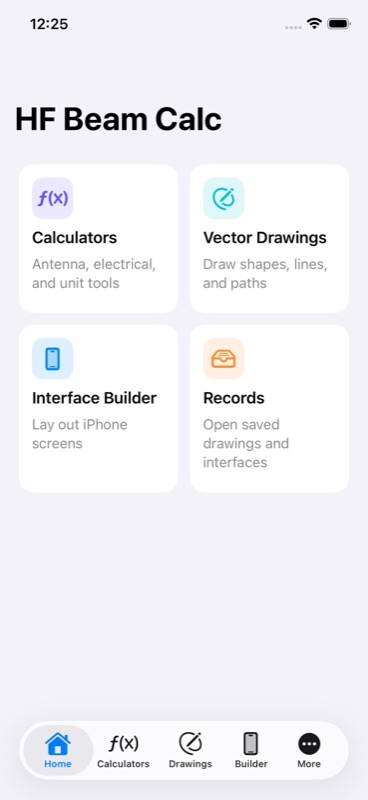
Calculate dimensions and spacing for two- and three-element HF Yagi antennas in feet, inches, or meters. HF Beam Calc also includes a vector drawing editor and an interface builder for custom calculations.
Plan an antenna
• Enter a frequency in MHz to get starting lengths for the driven element and director. Choose three elements to include the reflector. Element spacing appears alongside the lengths so you can lay out the boom.
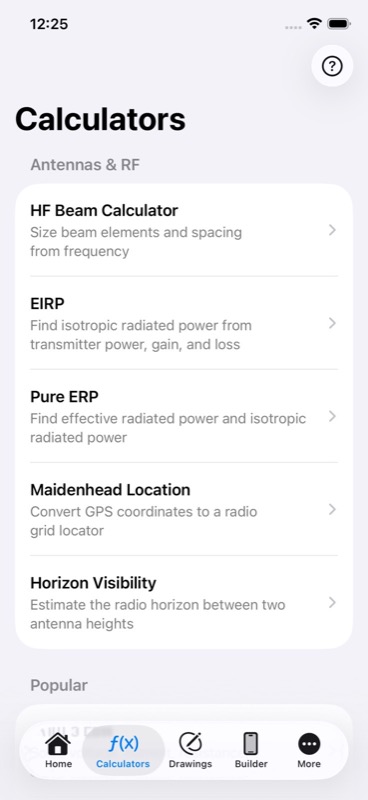
• Enter transmitter power, antenna gain, and feed line loss to estimate EIRP. Choose dBi or dBd to match the antenna’s specified gain.
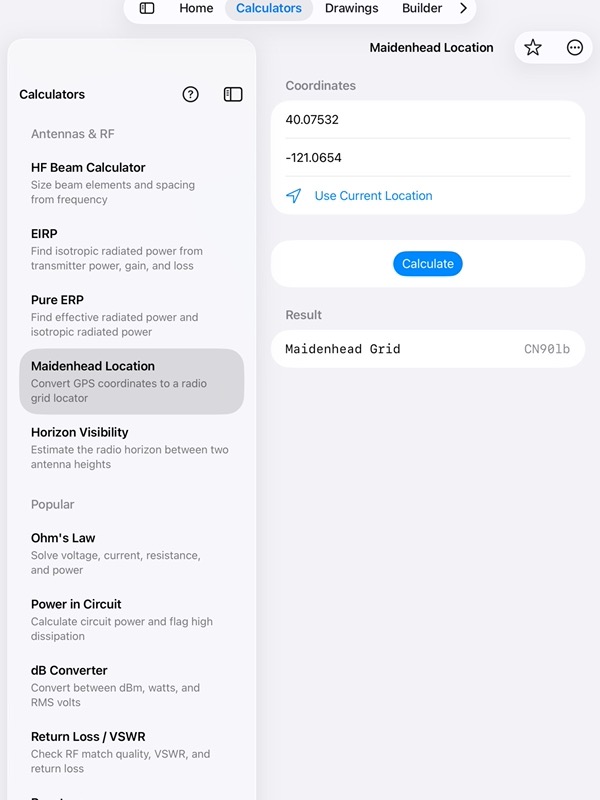
• Calculate a six-character Maidenhead grid locator from entered coordinates or your current location.
• Estimate the radio horizon between two stations. Enter both antenna heights in feet or meters to see how raising one end changes the estimated line-of-sight distance.
Check the feed line and the match
• Use a resistive or complex load to calculate VSWR, return loss and mismatch loss. If you already know the reflection coefficient, enter its magnitude directly.
• Estimate coax impedance, capacitance and inductance from the conductor diameters and dielectric constant. Use the cable delay calculator when you know the length and velocity factor of your feed line.
• Convert dBm to watts or RMS volts using your system impedance. With a 50-ohm load, 0 dBm gives 1 mW and about 224 mV RMS.
• Size a matched Pi or T attenuator. Enter the impedance and attenuation you need, then see which resistor values go in the series and shunt positions.
ELECTRICAL CALCULATIONS AND CONVERSIONS
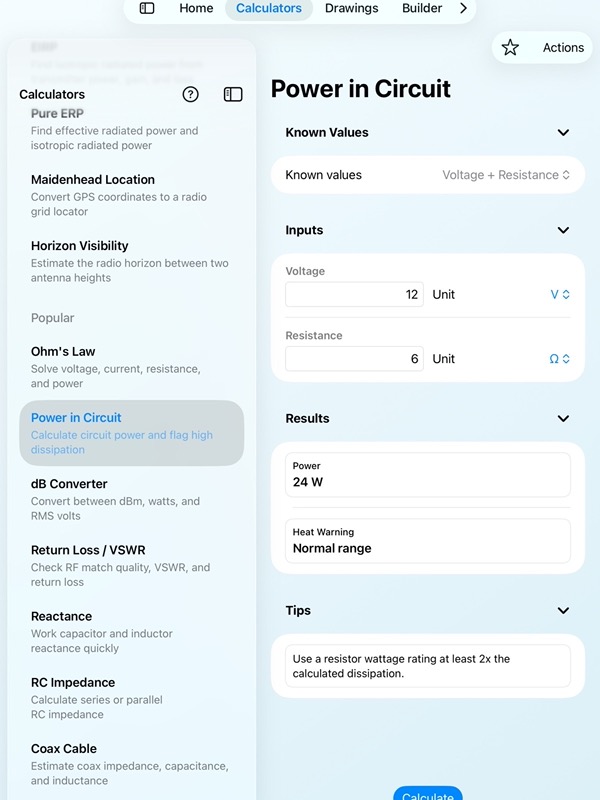
• Give Ohm’s Law two known values and choose the one you want to find. For example, a 12 V drop across a 6-ohm resistor gives 2 A and 24 W of dissipation.
• Check a capacitor or inductor at the frequency where you’ll use it. For a resistor and capacitor together, choose series or parallel to see how the connection changes the impedance.
• Compare skin depth in copper and aluminum, estimate the inductance of an air coil, or enter a transformer’s turns to see how they affect secondary voltage and impedance.
• Enter expressions with parentheses, powers, and scientific notation. Select an expression in History to edit and recalculate it.
• Convert length, wind speed, and area units. Calculate spindle speed, chip load, and feed rate.
• Use Time Value of Money to calculate equipment payments and their principal and interest. Compare straight-line and sum-of-years-digits depreciation.
Draw and share a layout
• Sketch an element layout with lines and shapes, add a freehand detail with the pen, and use layers to select the part you want to move.
• Save drawing versions, preview older versions, or restore an earlier drawing as a new version.
• Export a JPEG or share an editable XML file that opens in HF Beam Calc.
• In Builder, arrange buttons, labels, and switches and preview the layout at different iPhone sizes.
Compare two- and three-element calculations at the same frequency, such as 14.2 MHz. Search for a tool by name, unit, or topic and select the star to add it to Favorites.
App Store Screenshots
App Store Information
- App Store category: Utilities
- Genres: Utilities, Productivity
- App Store price (US): Free (USD)
- Current version: 5.0
- Requires: iOS 18.0 or later
- Content rating: 4+
- Last updated: 2026-11-23