Practice math, explore drawing and offline reference books, and organize homeschool classes, attendance, lessons, quizzes, and student records.
Product Description
Fun School: Math & Homeschool
Practice math, explore drawing and offline reference books, and organize homeschool classes, attendance, lessons, quizzes, and student records.
About this app
You bring patience, care and hard work to your students’ learning. Thank you for using Fun School. Make room for counting practice, creative play and a well-planned homeschool day with practical tools for iPhone and iPad, all close at hand when you need them.
MATH GAMES FOR GROWING SKILLS
• Count pictured objects and match groups to numbers.
• Compare quantities using less than, equal to and greater than.
• Practice addition and subtraction with pictures you can count.
• Pop number balloons and fill strawberry counting paths.
• Put the number train in order from smallest to largest.
• Explore place value by building numbers with tens and ones.
• Trace numbers with starting points and directional guides.
• Review completed practice on the Completion Board.
A LITTLE ROOM TO CREATE
• Choose a picture and fill it with your favorite colors.
• Try free drawing with different colors and brush styles.
• Make bright artwork with Neon Drawing.
• Match numbered colors in Color by Number.
Keep practice short when attention is short. Choose a counting game before a lesson, try a number challenge together, or settle into drawing after the day’s work.
YOUR HOMESCHOOL DAY STARTS HERE
• Open School Hall for your classes, full roster and daily attendance.
• Create multiple classes, with up to eight students in each class.
• Keep students on the school roster even without a class assignment.
• Plan lessons by student, grade and subject.
• Create quizzes with question sheets, answer keys and student scores.
• Check the calendar for lessons, quizzes and holy days.
• Plan Christian prayer services and scripture readings.
• Keep classroom rules and your teaching mission handy.
ATTENDANCE WITH A CLEARER PICTURE
• Record Present, Absent, Excused, Sick or Field Trip for each student.
• Review enrolled, attending, absent, excused, sick and unmarked totals.
• Count Present and Field Trip as attending for the selected day.
• See who still needs a mark before closing your attendance record.
• Take attendance across School Hall or focus on one class.
OFFLINE BOOKS FOR READING AND WRITING
• Search the bundled English dictionary or browse its A-Z index.
• Find related words in the complete Roget 1911 thesaurus.
• Read the bundled 1769 King James Bible without an internet connection.
• Open Dictionary and Thesaurus under More > Reference.
The dictionary and thesaurus preserve historical public-domain editions, including older spellings and meanings. Look up a word, explore its definition or find another way to express an idea, right beside your school tools.
RECORDS WORTH KEEPING
• Save lesson notes and revisit planned or completed work.
• Review student progress, quiz results and classroom summaries.
• Compare class records in a sortable spreadsheet view.
• Organize school years, student cards and awards.
• Check birthdays and keep track of supplies that need restocking.
• Share a classroom snapshot with family or another teacher.
• Export school records as JSON or a selected category as CSV.
• Import transfer JSON to add new records while skipping matching entries.
A CALCULATOR WITH MORE TO EXPLORE
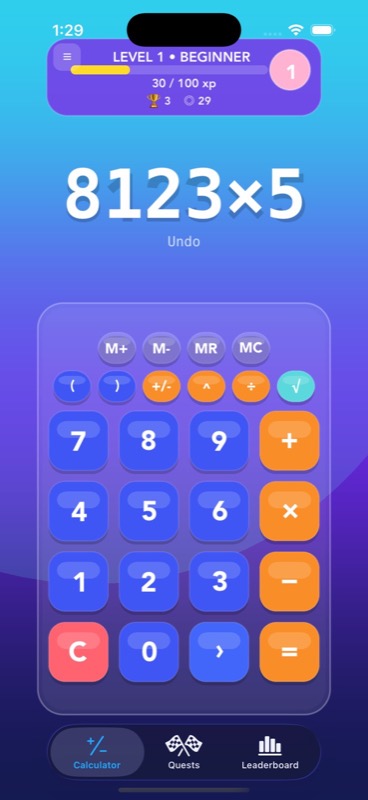
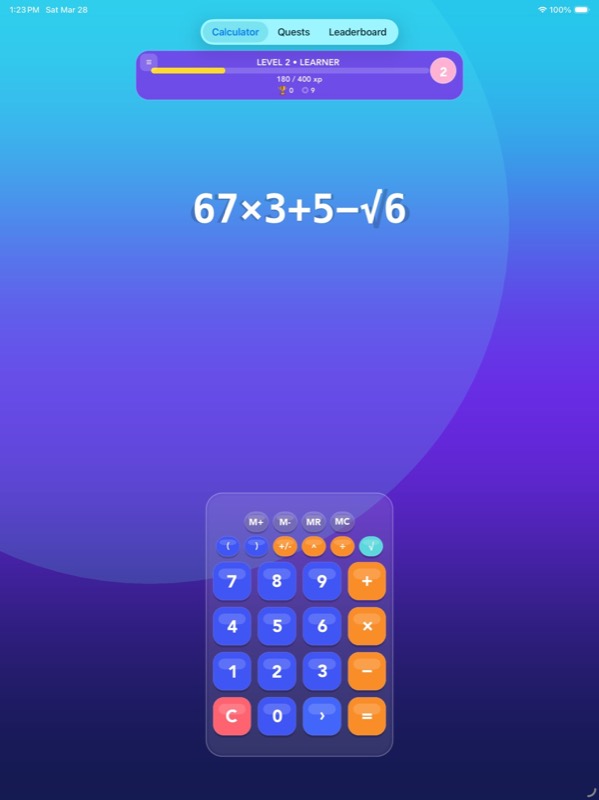
• Handle everyday arithmetic, powers, square roots and trigonometry.
• Store values with memory controls and revisit calculation history.
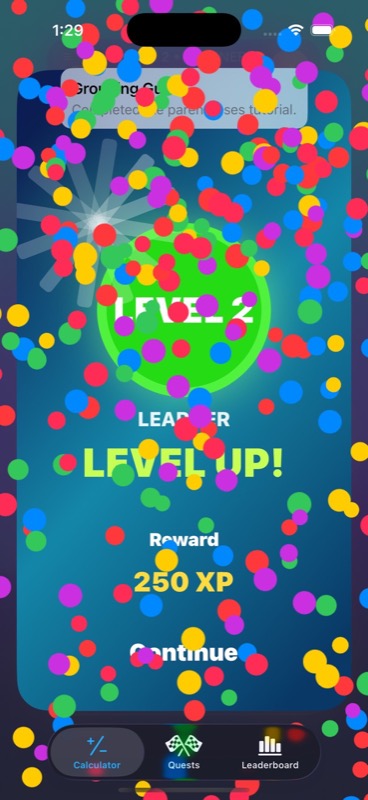
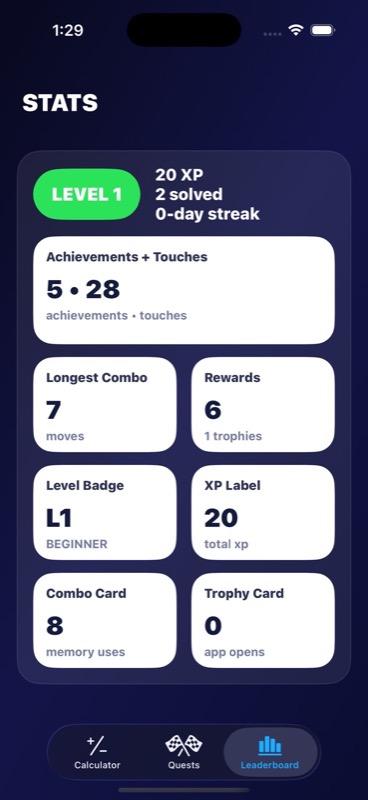
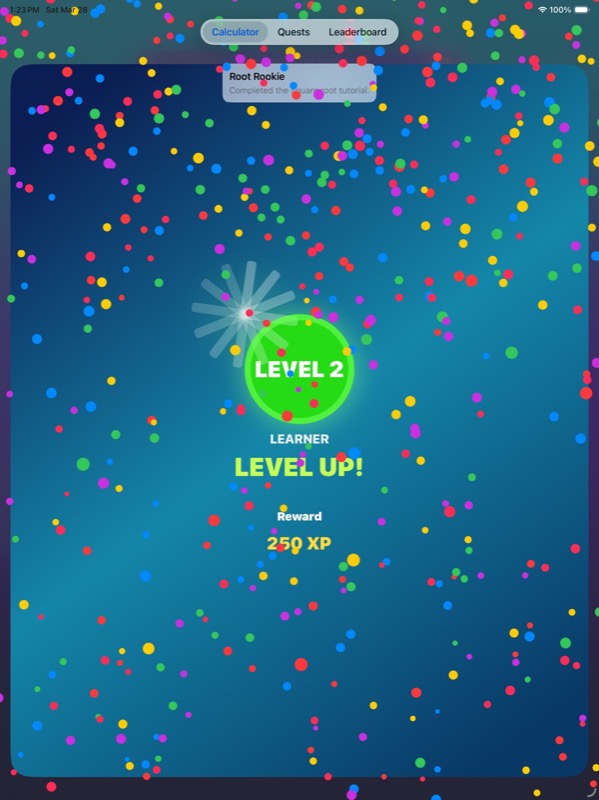
• Follow calculator quests and earn XP, achievements and trophies.
Plan tomorrow while today’s lessons are still fresh, then return to notes and results you saved when you need them.
School records are saved on your device, and no account is required for homeschool planning. Use Fun School for a few minutes of number practice or to organize a full school day. Choose the tools that fit your family and teach at your own pace.
App Store Screenshots
App Store Information
- App Store category: Education
- Genres: Education, Games, Puzzle
- App Store price (US): Free (USD)
- Current version: 1.3
- Requires: iOS 17.6 or later
- Content rating: 4+
- Last updated: 2026-10-22
Developed by Verosocial. App details can change; verify the current App Store listing before publication.