
About this app
You deserve credit for making time to learn, practice, and help curious minds grow. Thank you for using Fun Calculator. Whether you are checking an everyday calculation or sitting beside a child who is learning to count, there is something here to make working with numbers more enjoyable.
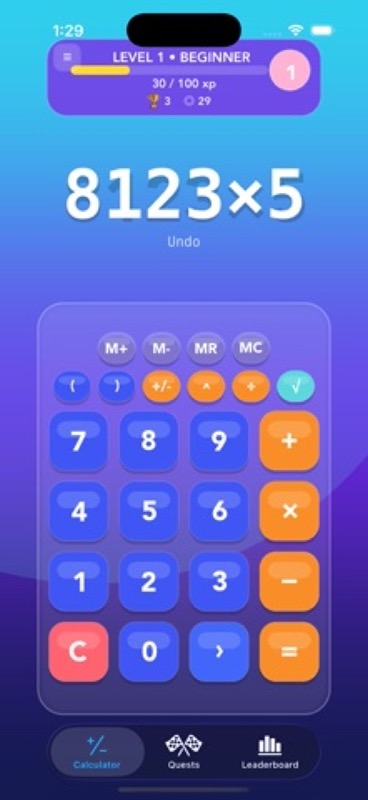
Fun Calculator brings everyday math, calculator quests, and colorful kindergarten math games together in one app. Work through a calculation, choose a small challenge, or open a picture activity for a few minutes of counting practice. You choose where to begin and how long to stay.
A CALCULATOR WITH PERSONALITY
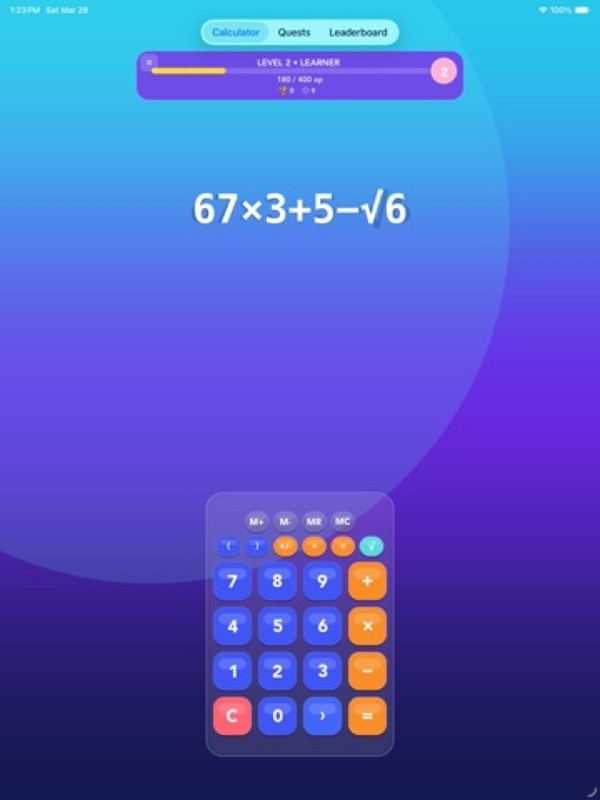
• Add, subtract, multiply, and divide for everyday tasks.
• Use parentheses when your calculation needs a little more structure.
• Explore square roots and scientific functions as your questions grow.
• Keep useful numbers close with calculator memory controls.
• Revisit earlier calculations in your history.
• Enjoy a colorful calculator with animated effects and sound.
FOUR GAMES FOR EARLY NUMBER SKILLS
Give young learners something they can see, count, and tap. The kindergarten collection offers four activities with familiar pictures, short questions, and clear answer choices.
• Count the Apples: count the fruit and choose between two answers. Start with numbers from 1 to 10, then progress to larger groups after successful sessions.
• Balloon Number Fun: find an even or odd number, or spot the different number in a row. Changing positions encourage children to look closely each time.
• Picture Count: count cars or apples in small groups and choose from three answers. Numbers stay between 1 and 10 for focused counting practice.
• Beads and Strawberry Path: match beads to a number, find what comes next, and fill a missing number in a strawberry sequence.
ROOM TO THINK AND TRY AGAIN
Early math takes patience. These games give children a chance to look at the picture, consider an answer, and ask for a little help when they need it.
• Play ten rounds in each session, with progress visible as you go.
• Take your time with counting games that have no countdown.
• Tap Hint for help with the current question.
• Hear the question aloud when sound is enabled.
• Select an answer, then tap Submit when ready.
• Try again after an incorrect answer with gentle feedback.
• Use large answer controls and VoiceOver labels for questions and choices.
PRACTICE THAT GROWS WITH YOU
• Begin apple counting with 1 to 10 and unlock groups of 11 to 20.
• Start bead counting and strawberry sequences with 1 to 5, then move up to 10.
• Explore balloon numbers up to 20 after earning the next range.
• Return to unfinished game sessions with progress saved on your device.
• See completed sessions and best scores for each game.
• Meet different picture arrangements and answer positions as you play.
A REASON TO COME BACK
Calculator quests offer small goals for your next visit. They are a way to try familiar tools, practice a different operation, or give an ordinary calculation a purpose beyond finding the answer.
• Try starter lessons for addition, multiplication, division, parentheses, and square roots.
• Pick up daily challenges involving calculations, memory, or mixed operations.
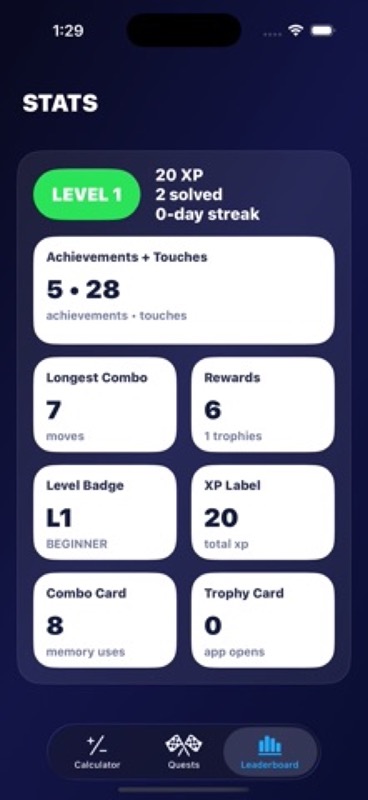
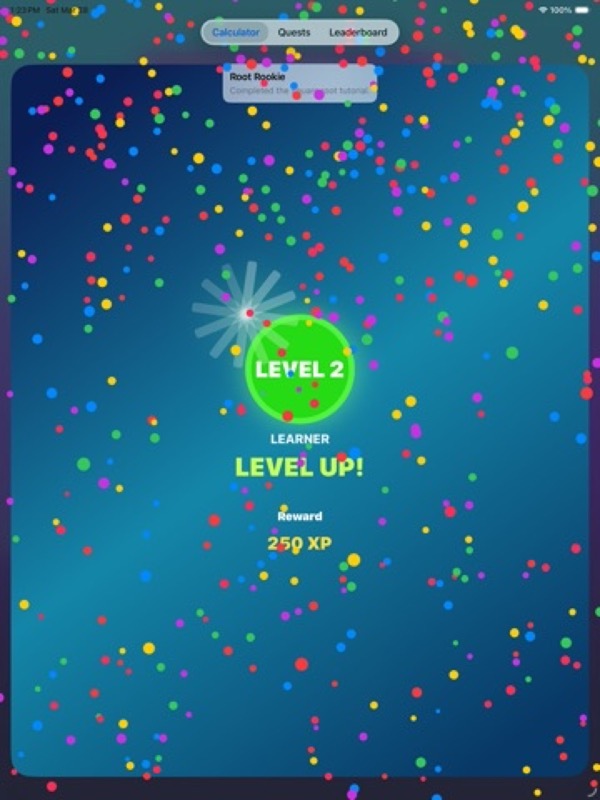
• Earn experience points as you complete quests.
• Work toward achievements and check your progress in the Quests tab.
MAKE A LITTLE SPACE FOR MATH
Use the calculator when a number needs checking. Share a counting game during a quiet moment. Let a child explain how they counted the apples or found the missing strawberry number. Those small conversations make practice feel personal.
Open Fun Calculator and choose your next calculation, quest, or counting game.
App Store Screenshots

Latest App Store Release Notes
Your patience and curiosity make every practice session worthwhile. Thank you for using Fun Calculator and for making room for math in your day. This update introduces a kindergarten game collection with four picture activities, short sessions, and helpful ways for young learners to keep trying.
FOUR GAMES TO EXPLORE
Open the Kindergarden Math tab to find four illustrated game cards. Each card leads to its own activity, so you can choose a familiar favorite or try a different number skill.
• Count the Apples brings counting practice to a simple picture of fruit. Count each apple, choose one of two answers, and submit your choice.
• Balloon Number Fun asks children to recognize even and odd numbers. It also includes rows where the challenge is to spot the one different number.
• Picture Count alternates between cars and apples. Count a small group, compare three answer choices, and pick the matching number.
• Beads and Strawberry Path combines counting with number order. Match a bead group to its count, find the next number, or fill a gap in a strawberry path.
SMALL STEPS THROUGH EACH SESSION
The new games keep each visit manageable, with ten rounds and a clear view of how far you have come. There is time to count carefully, talk through a question together, and make another attempt.
• Follow the round progress as you work toward the end of a session.
• Choose an answer first, then use Submit when you are ready.
• Keep thinking without a countdown rushing the counting games.
• Get gentle feedback when an answer needs another look.
• Celebrate correct answers with a little animation and sound when enabled.
• Finish a session, see your result, and return for another set of questions.
HELP WHEN A QUESTION FEELS TRICKY
• Use Hint to get guidance for the question on screen.
• Show counting markers in picture counting activities to help keep your place.
• Tap the speaker control to hear a question aloud when sound is on.
• Read clear prompts and select from large answer controls.
• Use VoiceOver labels to hear questions, answer choices, and selected answers.
• Follow written feedback as well as visual cues after submitting an answer.
NUMBERS THAT GROW WITH PRACTICE
The starting ranges keep the focus on early number skills. After two sessions with at least eight first-try correct answers in a game, its next number range becomes available where offered.
• Count the Apples begins with 1 to 10 apples, then introduces groups of 11 to 20.
• Balloon Number Fun starts with numbers from 1 to 10 and later includes numbers up to 20.
• Beads and Strawberry Path begins with 1 to 5 and later extends to 10.
• Picture Count stays within 1 to 10, giving children a familiar place to keep practicing.
PROGRESS WORTH RETURNING TO
A short break does not have to mean starting over. The new collection saves progress for each game on your device and gives you a way to see what has already been completed.
• Return to an unfinished session and continue from your saved round.
• Track completed sessions separately for each of the four games.
• See your best score and aim to improve it on another visit.
• Check game progress from the collection before choosing what to play.
• Move back to the collection when you want a different activity.
A DIFFERENT LOOK EACH TIME
• Practice with changing counts and picture arrangements.
• Look for answers in different positions instead of remembering a button’s place.
• Alternate between related activities in the balloon and strawberry games.
• Keep counting visible, familiar objects while the questions change.
Start with apples, try a balloon question, or work through a number path together. Your next few minutes of math practice can begin with a single game card.
App Store Information
- App Store category: Education
- Genres: Education, Games, Puzzle
- Availability: Free
- Current version: 1.1
- Requires: iOS 17.6 or later
- Content rating: 4+
- Last updated: 2026-09-30
Developed by Verosocial. App details can change; verify the current App Store listing before publication.