
About this app
Thank you for using AmmoDB. Your care with ammunition and equipment deserves credit. Whether you shoot, hunt, or collect, AmmoDB gives your records a practical home on iPhone and iPad.
Keep an ammo inventory, firearm log, range journal, and reloading notebook together. Check stock, storage, costs, and ammunition use. Records work offline, with no app account required.
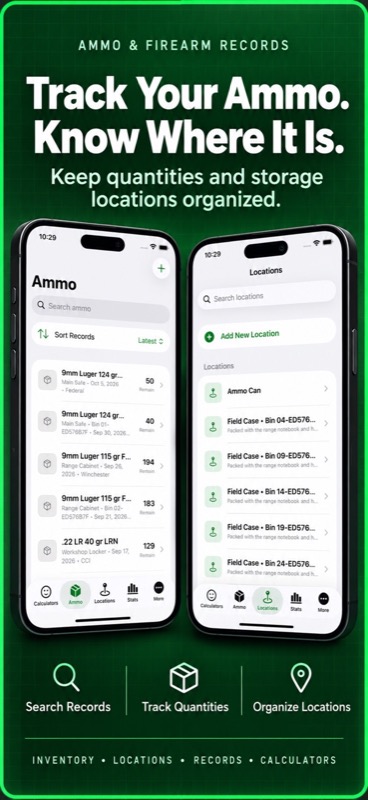
AMMUNITION INVENTORY
– Record ammo names, manufacturers, caliber details, grain weights, containers, dates, status, and notes.
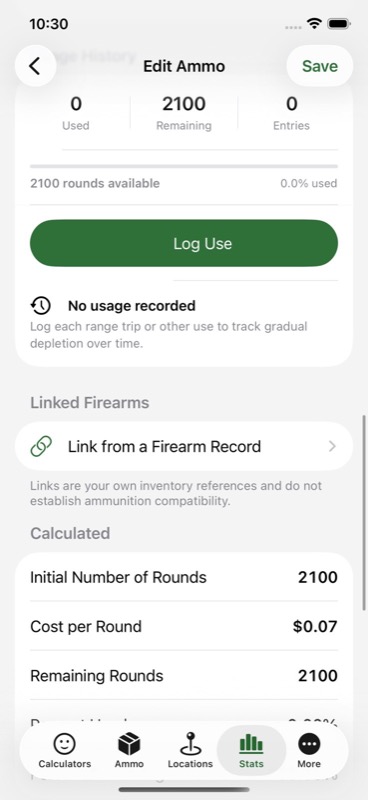
– Track boxes, rounds per box, loose rounds, rounds used, and rounds remaining.
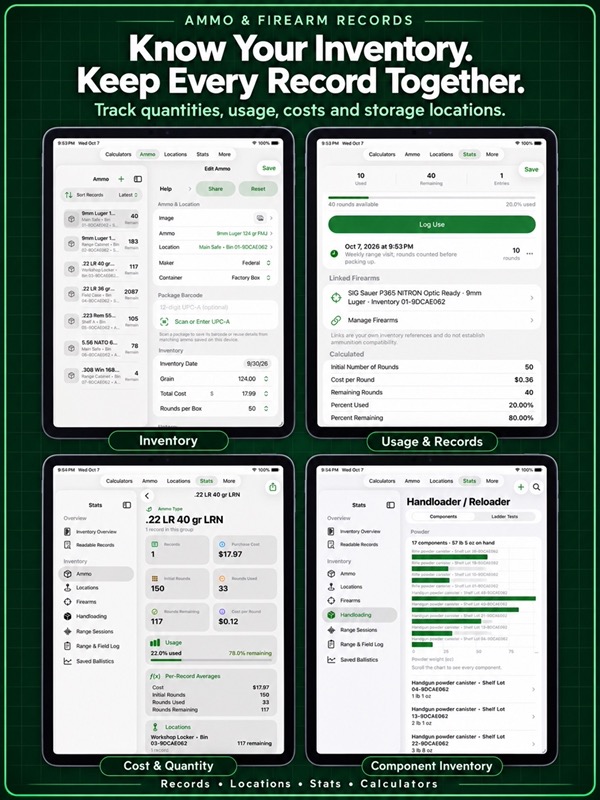
– Review purchase costs, total cost, cost per round, and percentages used or remaining.
– Add photos to identify a box, batch, or storage location.
– Organize stock by safes, shelves, cabinets, ammo cans, or range bags.
– Search your inventory, reuse saved ammo-name presets, and duplicate similar records.
– Keep dated usage history with notes for practice, training, testing, or field use.
FIREARMS AND STARTER MODELS
– Keep firearm identification, serial numbers, measurements, purchase details, notes, and photos.
– Start with 169 model entries covering 61 firearm models and 67 calibers and gauges.
– Choose from several models for popular calibers, or enter your own details.
– Search models at the top of the chooser, filter by firearm type or caliber, and sort by name, type, or caliber.
– Link firearms to your ammo records, range sessions, and ladder tests.
– Review and edit starter details against your own firearm. Templates fill identification fields only.
RANGE JOURNAL AND CHRONOGRAPH
– Log ammunition used in named range or field sessions and keep round counts current.
– Enter or paste chronograph readings in feet per second or meters per second.
– Review average velocity, minimum, maximum, extreme spread, and standard deviation.
– See shot-by-shot velocity graphs and daily ammunition use.
– Save target photos, measure groups, and compare group sizes in MOA.
– Keep session notes and return to the firearm and ammo records behind them.
HANDLOADING RECORDS
– Track powder, primers, and brass with dated stock additions and use.
– Record brass firing counts and preparation stages by batch.
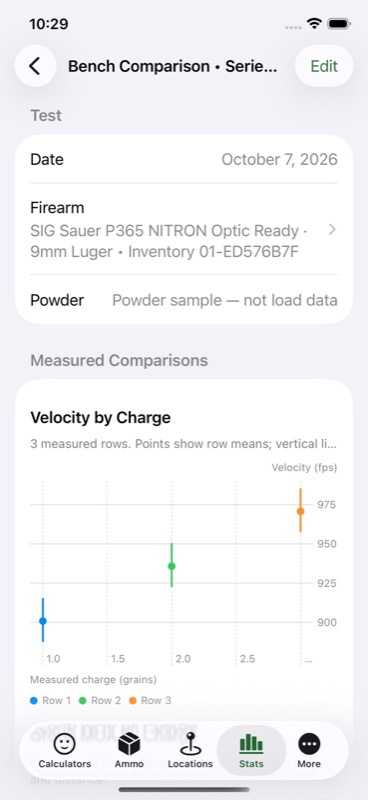
– Save ladder test observations, measured charge weights, velocities, groups, and notes.
– Review component history and graphs of your recorded test results.
COUNTS, COSTS, AND REPORTS
– Review inventory stats by ammunition and storage location.
– Compare counted rounds with your chosen allowance maximum.
– Open readable ammo records and share a PDF report of matching records.
– Browse and sort a spreadsheet-style inventory with Ammo+ Pro.
CALCULATORS AND REFERENCE
– Estimate trajectory, wind drift, velocity, and energy with the ballistic calculator.
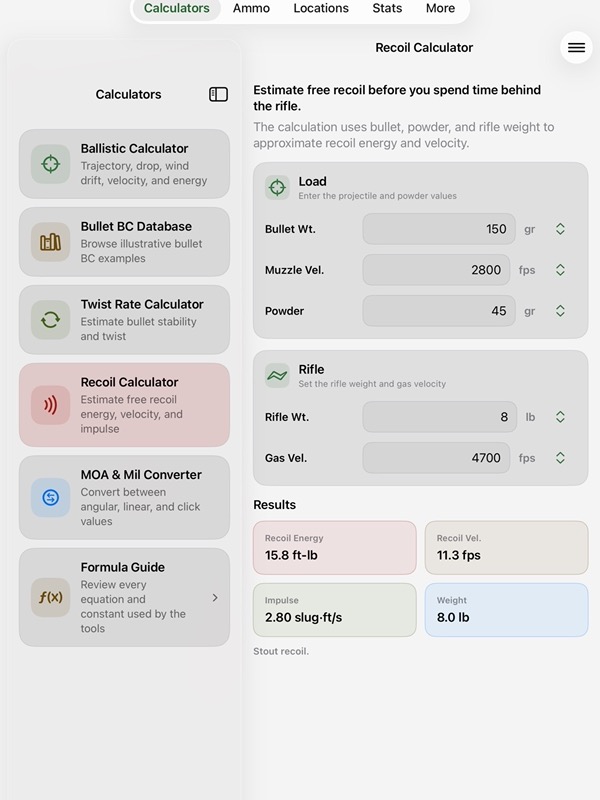
– Use twist rate and recoil calculators, plus an MOA and mil converter.
– Save ballistic results and share calculations when you choose.
– Browse a searchable ammunition reference with identification notes and source links.
Choose optional startup protection with an app PIN, or supported Face ID or Touch ID with PIN fallback. Inventory and photos stay in local app storage unless you share them.
Free access includes three ammo records and three locations. Ammo+ Pro offers unlimited records, locations, and calculator use, plus Spreadsheet and CSV/JSON inventory sharing. Choose monthly or lifetime access. Inventory exports exclude photos and separate firearm, range, and reloading records.
Calculators provide estimates, and references are for identification. Verify ammunition compatibility, specifications, and load data with current manufacturer sources. Handloading records document your observations and do not recommend loads.
For monthly subscriptions:
Monthly Pro is a 1-month auto-renewable subscription.
Terms of Use (EULA): https://www.apple.com/legal/internet-services/itunes/dev/stdeula/
Privacy Policy: https://verosocial.com/privacy/
App Store Screenshots
Latest App Store Release Notes
Your care with records deserves tools that make the job easier. Thank you for using AmmoDB and for taking the time to keep your ammunition, firearms, and range notes organized. This update gives you more starting points and better ways to find the model you need.
A much larger firearm starter library:
– Choose from 169 starter entries covering 61 named firearm models and 67 caliber and gauge groups.
– Find at least three model choices for each of the 20 calibers in the bundled Ammunition Reference.
– Browse models for popular calibers, with choices from multiple manufacturers.
– Explore handgun, rifle, and shotgun entries alongside additional modern calibers and gauges.
– See the caliber in the name of chambering-specific entries, so similar model names are easier to tell apart.
– Open the manufacturer source link to review the information behind a starter entry.
Search and narrow the list:
– Use the search field at the top of the starter chooser as soon as you open Add Firearm.
– Search by model, manufacturer, firearm type, or caliber without scrolling through the library.
– Find linked cartridge names and common aliases, including searches such as .45 ACP and 300 BLK.
– Filter by firearm type when you want to browse handguns, rifles, or shotguns.
– Choose a caliber filter to see the starter entries for that cartridge or gauge.
– Combine search with the type and caliber filters to narrow your choices further.
– Check the result count as you browse, then reset the filters when you want to see the wider list again.
Sort the way you think:
– Sort starter models by name for an alphabetical view.
– Sort by firearm type to bring similar entries together.
– Sort by caliber when chambering is your starting point.
– Use name, type, and caliber sorting for your saved firearm records too.
– Search your saved collection to find the firearm you need.
Make each record your own:
– Start with a model from Add Firearm, or open the same searchable chooser from Use Starter Model in the new firearm form.
– Choose Enter My Own Details whenever you prefer to create a custom record.
– Use a starter to fill identification fields, then review and edit them before saving.
– Enter the measurements and ownership details for your actual firearm, including barrel length, twist rate, weight, capacity, acquisition date, and purchase price.
– Add your own serial number, storage location, notes, and photo. Starter models do not supply personal ownership details.
– Keep unknown measurements blank until you have information you trust.
Bring your firearm records into your regular routine:
– Link a saved firearm to selected ammunition records and open those records from its detail page.
– Select a saved firearm for a range session or ladder test instead of typing the same label each time.
– Open linked sessions and tests from the firearm record when you want to review your notes and measurements.
– Use a manual label when you do not need a saved firearm record for that session or test.
– Keep round usage in your ammunition log, chronograph readings with your session, and component activity in Handloader / Reloader.
The expanded library helps with identification and recordkeeping. Versions, chamberings, dimensions, and capacities can differ. Check the markings on your own firearm and current manufacturer information before saving its details. Reference links and inventory links organize your records; they do not confirm ammunition compatibility.
The firearm records and photos stay in local app storage. Inventory CSV and JSON exports cover ammunition and usage, so they should not be treated as a backup of firearm photos, range sessions, or reloading records.
App Store Information
- App Store category: Utilities
- Genres: Utilities, Reference
- Availability: Free
- Current version: 8.7
- Requires: iOS 17.6 or later
- Content rating: 17+
- Last updated: 2026-10-08
Developed by Verosocial. App details can change; verify the current App Store listing before publication.